
Getting the Function Keys Back on a Realme Book i5

A few years ago, I bought a Realme Book i5 for work. I bought it because it was slim, the display was nice, and it was a great lightweight machine to work on away from my desk.
There was one problem I didn't expect. I use it mostly to write code, which means I constantly use the F1–F12 keys. On this laptop, the top row defaults to media keys, and I can't trigger the real F-keys without holding the Fn key. Unlike laptops from Lenovo that let you flip an Fn lock, this laptop has no such option.
Working around this friction
My first thought was to remap the keys with evremap. But this wasn't as easy as I thought. When I checked for raw input with evtest, the F1 to F12 keys didn't send any events at all unless the Fn key was held down.
This was disappointing, so I opted to remap a few Fn keys that I use frequently—such as F12 to trigger "find references" in my IDE. Often, I'd just resort to working with an external keyboard when necessary.
Digging into the firmware
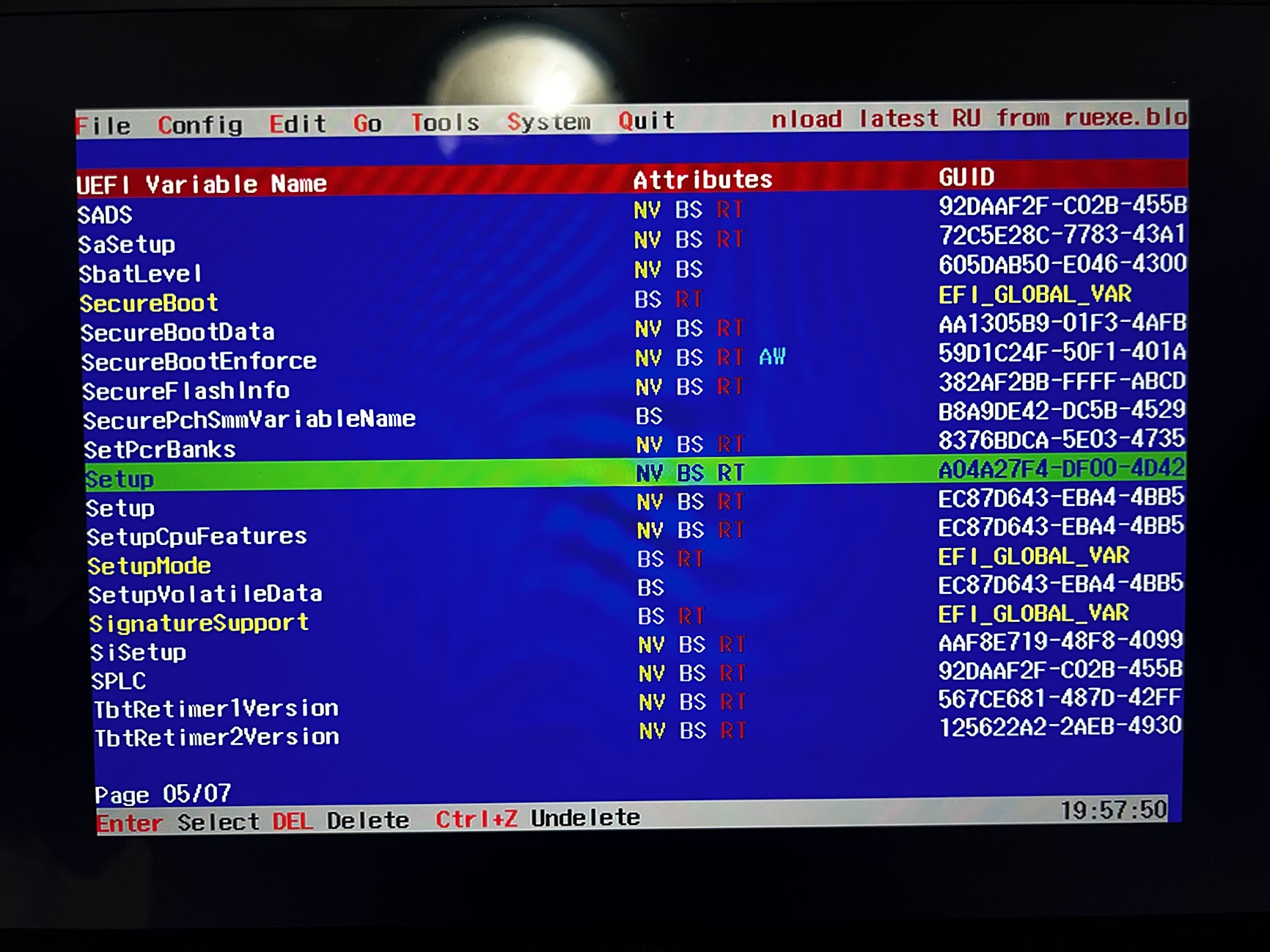
Nonetheless, I was convinced that a toggle existed somewhere, because inside the UEFI setup screen, the F-keys behave like normal F-keys by default. My theory was that once the kernel loads during boot, something flips them to media mode. That led me to suspect the firmware.
At that point, I browsed for the BIOS file online, decompiled it, and read through the disassembly manually, looking for the flag that set the top-row mode. Given that I had no idea what to look for in the first place, I never found it, even after searching for a bunch of strings I suspected might be related. Eventually, I shelved the project and moved on.
Picking it back up with Claude Code
I came back to it recently with Claude Code and my old archived dump. Hoping it could help me find what I was looking for, I pointed it at the extracted files, let it review everything I had, and had it work through the ACPI tables.
After a few hours of going back and forth, it finally landed on something that actually made sense.
Over the course of this, I learned that flashing the BIOS was not an option since the firmware is signed and protected. But I didn't actually need to touch the firmware. Instead, Linux can load custom ACPI tables from the initramfs at boot and apply the override I needed. That was good enough for me.
From Claude Code's investigation, we gathered that the EC exposes three fields that control the Fn key behavior: FNSP, FNRV, and MFNM. Setting them to FNSP = 0, FNRV = 1, and MFNM = 0 forces the standard F-key mode. It took quite a while to find the right combo to finally get this behavior.
Now, the plan was to write those values at boot through a supplemental SSDT. To apply this, we create a dummy device in the system bus (\_SB) with its own _INI method. During the initialization phase, this custom device will run its method and flip the EC fields.
The fix
First, note that the kernel needs a CONFIG_ACPI_TABLE_UPGRADE configuration enabled.
Write the SSDT
Create a new file and name it fnfix.dsl:
DefinitionBlock ("", "SSDT", 2, "REALME", "FNFIX", 0x00000001)
{
    // Reference the existing Embedded Controller and its fields
    External (\_SB.PC00.LPCB.H_EC, DeviceObj)
    External (\_SB.PC00.LPCB.H_EC.FNSP, FieldUnitObj)
    External (\_SB.PC00.LPCB.H_EC.FNRV, FieldUnitObj)
    External (\_SB.PC00.LPCB.H_EC.MFNM, FieldUnitObj)

    Scope (\_SB)
    {
        Device (FNFX)
        {
            Name (_HID, "REAL0001") // Custom Hardware ID

            // Runs once during ACPI initialization
            Method (_INI, 0, NotSerialized)
            {
                \_SB.PC00.LPCB.H_EC.FNSP = 0
                \_SB.PC00.LPCB.H_EC.FNRV = 1
                \_SB.PC00.LPCB.H_EC.MFNM = 0
            }
        }
    }
}
Compile
Compile using iasl, which produces fnfix.aml.
iasl fnfix.dsl
Now package the AML the way the kernel expects it.
mkdir -p kernel/firmware/acpi
cp fnfix.aml kernel/firmware/acpi/
find kernel | cpio -H newc -o > acpi_override.img
sudo cp acpi_override.img /boot/
Load it before the main initramfs
We need to make sure that the ACPI image is the first initrd the bootloader loads, ahead of the normal initramfs.
Depending on the bootloader, we simply append it before the main image. For example:
title   Linux
linux   /vmlinuz-linux
initrd  /acpi_override.img
initrd  /initramfs-linux.img
options root=UUID=xxxx-xxxx-xxxx rw
Finally, we can reboot.
The kernel loads the overlay, the dummy device's _INI method runs during initialization, and the top row sends real F1-F12 events without needing to hold the Fn key!